Installing & Running Brunnhilde on Windows
Brunnhilde is a companion tool to Siegfried, and Brunnhilde is very useful in creating reports from the inventory and file characterization data that Siegfried creates. While perhaps not essential, it is at this time a highly useful tool that can create reports that are useful for overall analysis of the files you’re working with, as well as a report to keep with the files as useful technical and provenance metadata.
Installation Step-By-Step#
- Before you install Brunnhilde, you must have Python 3 installed and running. This is likely ready to go if you have completed SI 506. If not, you may need to do that first. Instructions for setting up Python 3 can be found here and here. If you prefer to run in a virtual environment, you can also do that. Once Python 3 is ready, proceed to the next step.
- Open up Visual Studio Code, and open a new Terminal pane there.
- At the terminal prompt, you can use the pip command to install Brunnhilde:
pip install brunnhilde.
If this doesn’t work, you can try runningpipas a module thus:$ python -m pip isntall brunnhilde.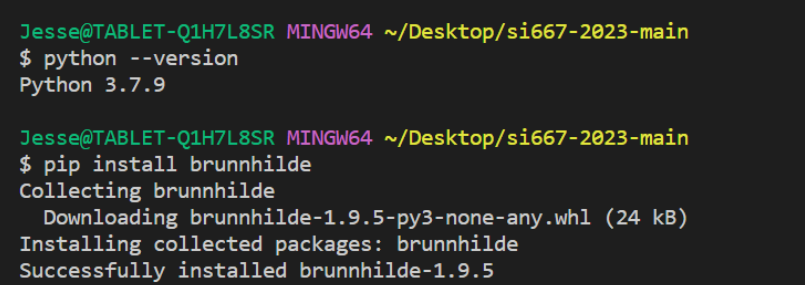
- Now, you can call brunnhilde with the command
brunnhilde.py [arguments]as you would other python programs.
Note that you may need to run this as a “module”, something like this:python -m brunnhilde [arguments]